Keeping my HP Victus Laptop(16-s0076nr, rtx 4060) alive for the long-haul
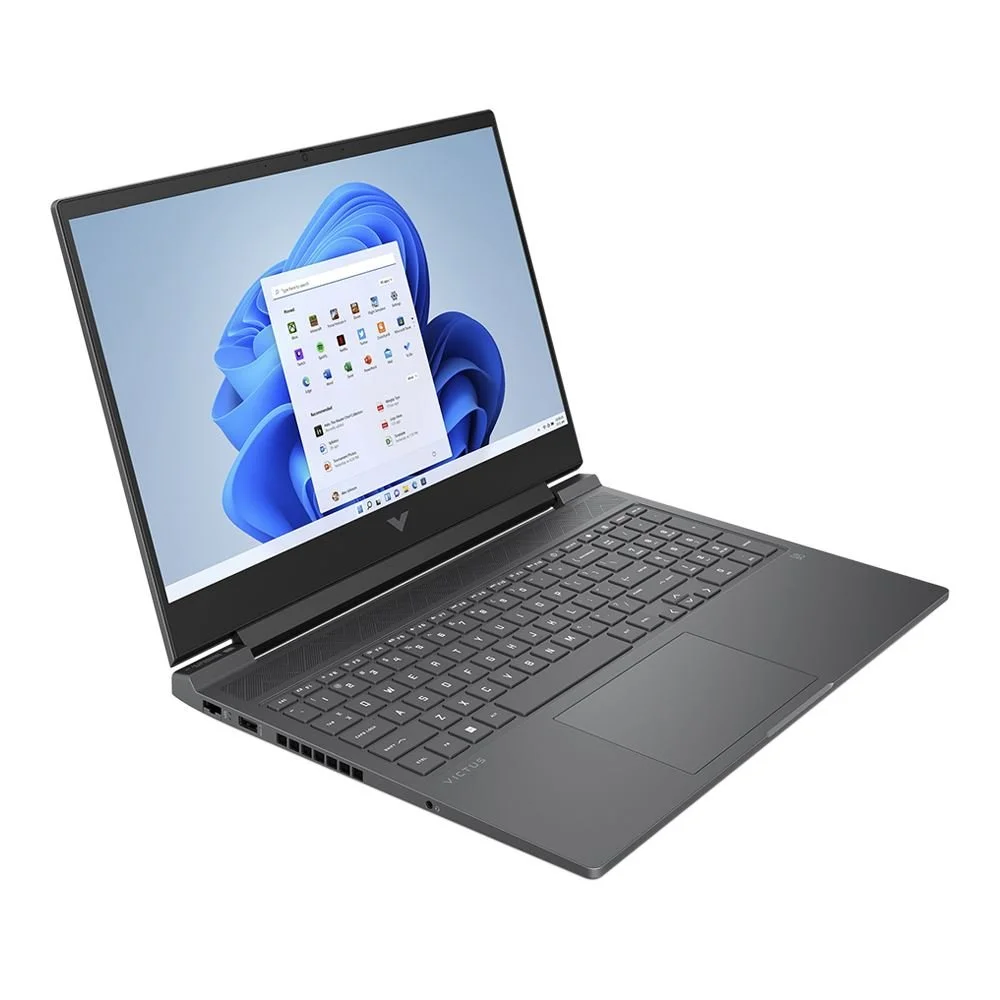
First things first, let me just say I really like this laptop (currently in use). I still think the Victus brand is a good amount of hardware for the price. I would get a current model for myself once this one kicks the bucket and probably only on discount for around $900. I would have the money ready after 3 or 4 years for a replacement though (2027 in my case). If you’re not into tinkering then I wouldn’t get one, there’s a chance you might be tinkering for sure.
1) Bought from Microcenter for $999 (11/15/2023) brand new.
Around 2024 my screen started flickering randomly and freezing for 10 or 15 seconds. I figured out that was caused when you have the laptop’s GPU Mode set to Hybrid. Every time the laptop switches between the Nvidia video card and the Amd card, the Amd Drivers would crash and made the laptop freeze up. Switching the GPU mode to “Discrete” ended up fixing that issue.
Around 2025 I ran into a problem where the monitor started randomly turning off. I had to hard-reset the computer to get it back but the screen would soon turn off and stay off, sometime resetting the cmos was required to get everything back up and going. The fix I found was to hook up the laptop to an external monitor and simply use the laptop as a stationary pc. I also ended up removing the internal battery because I had problems reseting the cmos.
Now in 2026 I decided to see if I can refresh the laptop and see what works and what doesn’t. I still intend to keep it as a Windows based gaming console even after buying a replacement as long as it’s still working (Steam Big Picture Mode or Xbox mode whatever works best). I formatted the SSD and installed a fresh copy of Windows 11. I kept the GPU mode on “Discrete” using the bios settings. I also got rid off all Omen software, all HP and third party software. I’m letting Windows manage all updates and drivers including the Nvidia drivers. I might have to wait for the latest Nvidia drivers but at least the drivers “should” be stable. I re-installed the battery with no problems as well, a replacement is still needed at some point.
At this moment for the past month, the built-in screen has not flickered or turned off. I haven’t run into any real problems as long as I keep the GPU mode on discrete. I have no access to any gaming modes or special features from the Omen software but as long as everything is stable, I’m ok with it. I’ve taken off the external Monitor recently since I haven’t had any issues with the built-in monitor. No issues yet. One downside is if I want full performance while gaming, it needs to be plugged into the power plug. If I play any heavy game on batteries then performance suffers, this might be a Windows thing to keep battery life as long as possible. Usually I would switch to performance mode in the Omen software but without it I can’t do that.
I also noticed Windows Update had a new Nvidia driver and manually installed it. The screen went black, which is normal but the screen didn’t comeback. I ended up rebooting into safe mode, through Device Manager I uninstalled the nvidia device and drivers. I retried letting windows re-install the device and everything came back with no issues.
For now that’s pretty much it. Hopefully this laptop will keep on going for a good while. We’ll see though. Personally I still think It’s been a great laptop. 👍

Cyberpunk 2077 Benchmark - Quick Preset set to Ray Tracing_low & DLSS Quality at 1080p